
-38%

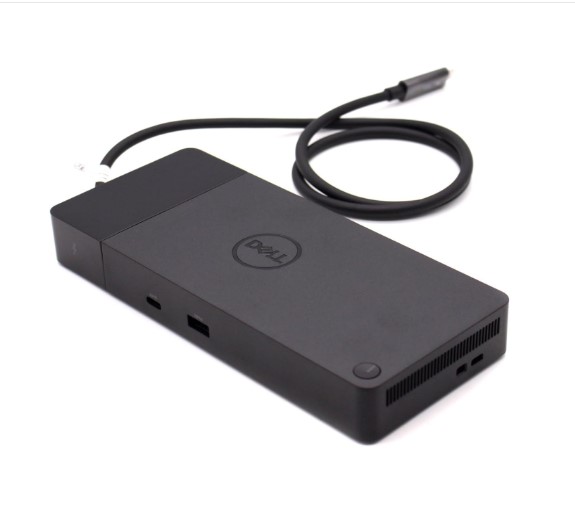
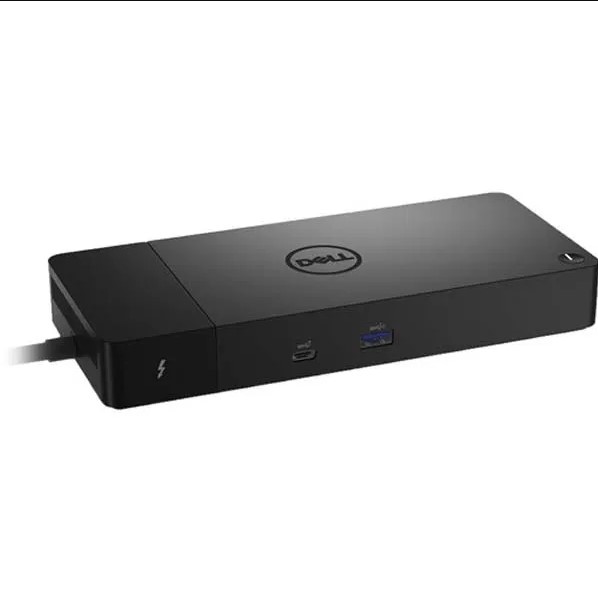
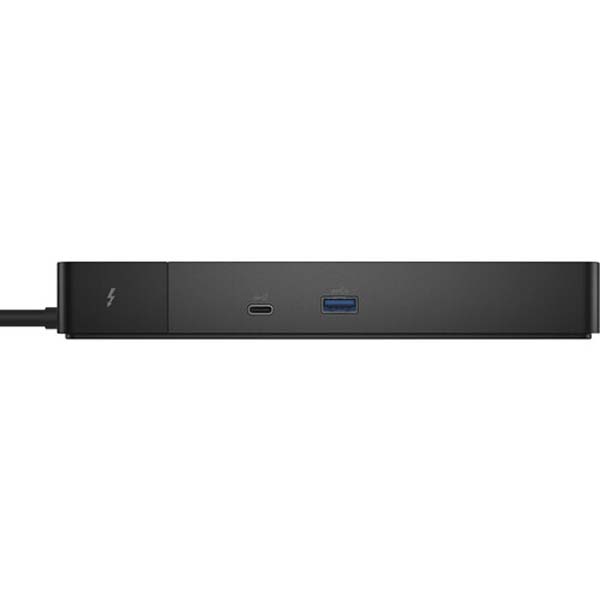
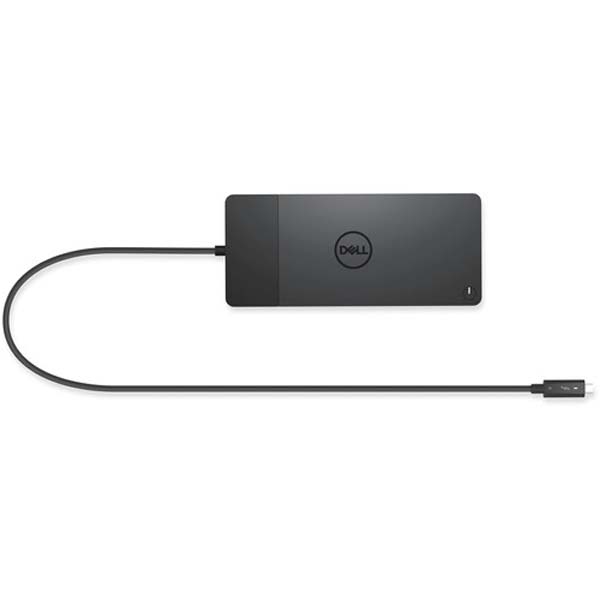
Dell Thunderbolt WD22TB4 Docking Station

  • 🏷️Brand:Dell
  • 🎟️Product Code:WD22TB4
  • ✔️Availability:In Stock

Key Features

  • Provides up to 130W of Power Delivery
  • 2 x Thunderbolt 4 ports
  • 2 x DisplayPort 1.4 ports
  • 1 x HDMI 2.0 Port
  • 1 x USB 3.2 Gen 2 Type-C Port
  • 1 x USB Type-C Multifunction DisplayPort
Offer Price 24,900.00
38% Off 40,000.00

Use pincode to check delivery info

Delivery is guaranteed as long as our locations stay open according to government regulations.
Buy Now

Dell Docking Station


Design created in the future

  • You may easily update to match the demands of your IT environment with a swappable module.
  • For even greater versatility, upgrade to the newest connectivity with two Thunderbolt™ 4 ports.

Multiply productivity

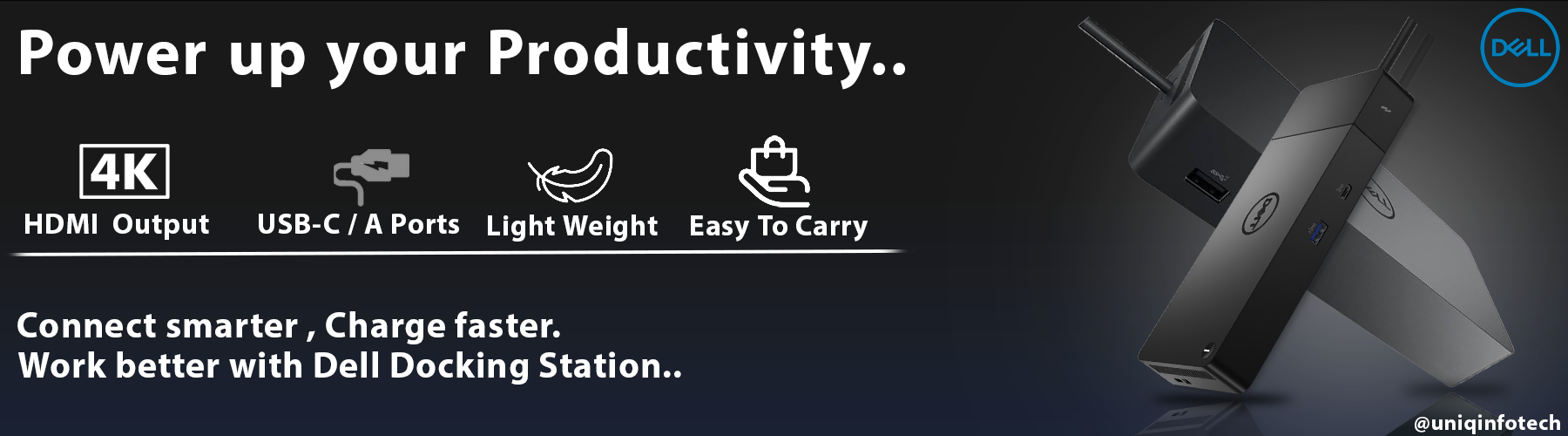
  • For maximum efficiency, connect screens and peripherals to your system using a single wire.
  • You may connect numerous 4K displays and Thunderbolt peripherals with the Thunderbolt™ 4 dock, which has the most connections, without compromising your work configuration.
  • Utilize your peripherals to their full potential with a 40 GB/s data transmission rate.

Simple and astute management

  • Work uninterrupted: firmware updates don’t require a system reboot and can be finished in five to seven minutes.
  • IT can update firmware more easily with the help of Microsoft System Center Configuration Manager and Dell Client Command Suite. Using a single firmware also simplifies deployment and management.
  • Upgrades that are simpler: The power cord or connectivity module can be easily replaced in the field thanks to modularity.
  • Improved assistance: Since each has a unique service tag that enables IT to deploy firmware updates to specific docks, inventory management has become easier.
  • Safe manageability: Use remote port-disablement and MAC address pass-through to protect your data. Additionally, it’s now simpler than ever to manage your dock and remain productive with features like Wake-on-LAN, PXE Boot, and more.

Reviews

There are no reviews yet.

Be the first to review “Dell Thunderbolt WD22TB4 Docking Station”
Please login to post questions

Dell Docking Station


Design created in the future

  • You may easily update to match the demands of your IT environment with a swappable module.
  • For even greater versatility, upgrade to the newest connectivity with two Thunderbolt™ 4 ports.

Multiply productivity

  • For maximum efficiency, connect screens and peripherals to your system using a single wire.
  • You may connect numerous 4K displays and Thunderbolt peripherals with the Thunderbolt™ 4 dock, which has the most connections, without compromising your work configuration.
  • Utilize your peripherals to their full potential with a 40 GB/s data transmission rate.

Simple and astute management

  • Work uninterrupted: firmware updates don’t require a system reboot and can be finished in five to seven minutes.
  • IT can update firmware more easily with the help of Microsoft System Center Configuration Manager and Dell Client Command Suite. Using a single firmware also simplifies deployment and management.
  • Upgrades that are simpler: The power cord or connectivity module can be easily replaced in the field thanks to modularity.
  • Improved assistance: Since each has a unique service tag that enables IT to deploy firmware updates to specific docks, inventory management has become easier.
  • Safe manageability: Use remote port-disablement and MAC address pass-through to protect your data. Additionally, it’s now simpler than ever to manage your dock and remain productive with features like Wake-on-LAN, PXE Boot, and more.
Reviews

There are no reviews yet.

Be the first to review “Dell Thunderbolt WD22TB4 Docking Station”
Please login to post questions